Hub
ComfyUI workflows
Turn your ideas into finished results with multi-step workflows powered by AI models.
All workflows 24
- LTX-2.3
Turn an image into a video
Video - MiniMax H3
Create a video from references
Video - LTX-2.3
Add camera motion first last frame
Video - Seedance 2.5
Change a video’s background
Video - LTX-2.3
Remove an object from a video
Video - LTX-2.3
Expand a video’s frame
Video - Wan Animate
Copy movement from a video
Video - LTX-2.3
Make your character talk
Video - SCAIL-2
Replace a character in a video
Video - Wan2.1 InfiniteTalk
Make your character sing
Video - LTX-2.3
Animate a scene from a reference sheet
Video - Nano Banana Pro
Create a character turnaround
Image - Qwen-Image-Edit
Change a material
Image - Qwen-Image-Edit
See your subject from a new angle
Image - Flux.2 Dev, Flux
Create a product mockup
Image - Nano Banana Pro
Try an outfit on a character
Image - Seedream
Put your product in a new scene
Image - Seedream, MiniMax
Turn a product photo into a video
Video - SeedVR2
Upscale and restore detail
Image - SeedVR2
Upscale a video
Video - Nano Banana Pro
Sharpen a product photo
Image - Topaz
Upscale an illustration
Image - HitPaw
Restore portrait detail
Image - LTX-2.3
Restore archival footage
Video
This page link is out of date. Showing the first page of the current results.
Grok Imagine in ComfyUI
Comfy is the AI creation engine for visual professionals who demand control over every model, every parameter, and every output.
Try Grok Imagine NowGrok Image and Video Creations
Explore Workflows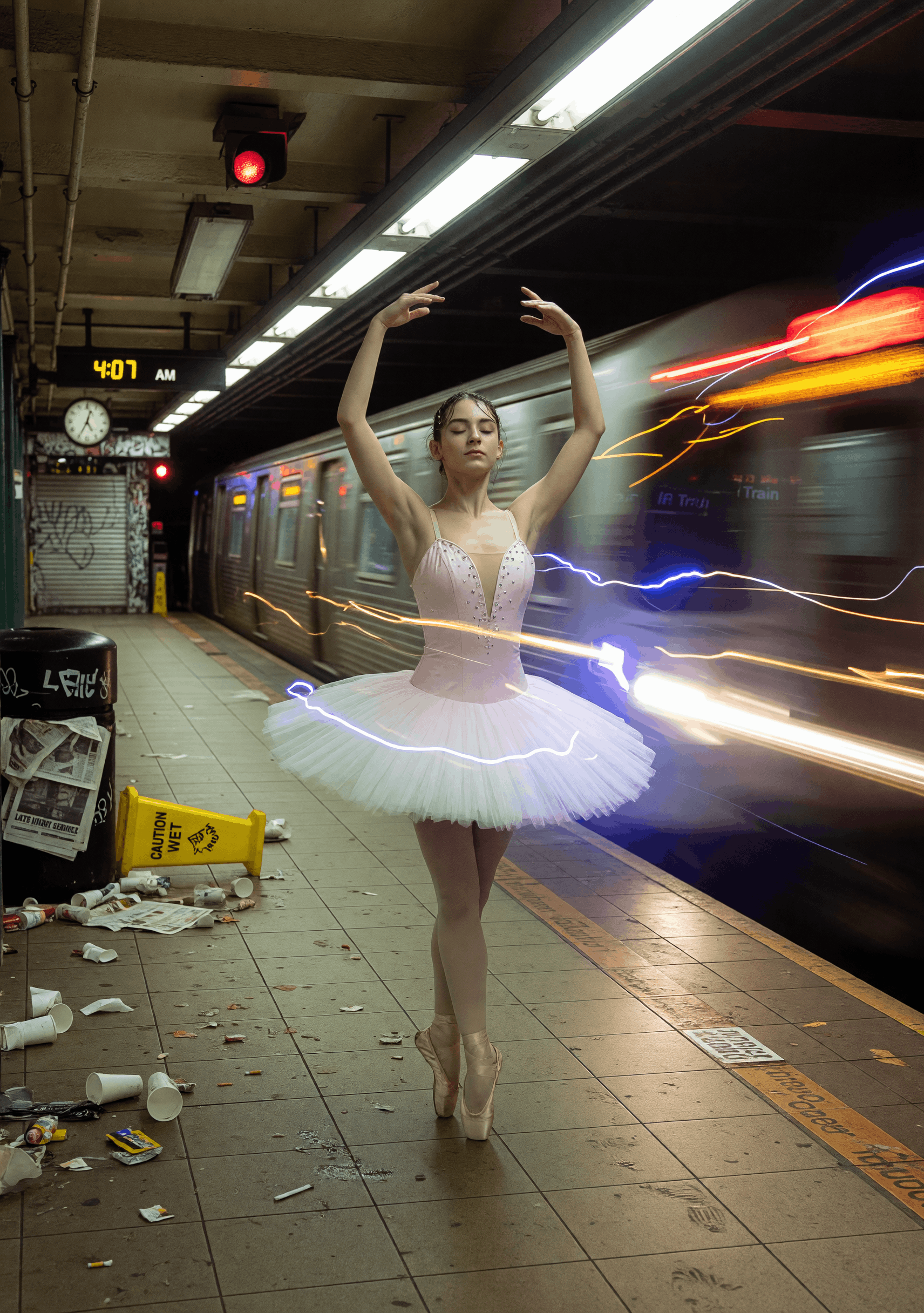
Subway Swan
ByPurz BeatsandComfyteam usingGrok Imagine
Milos Little Wonder
ByPurz BeatsandComfyteam usingGrok Imagine
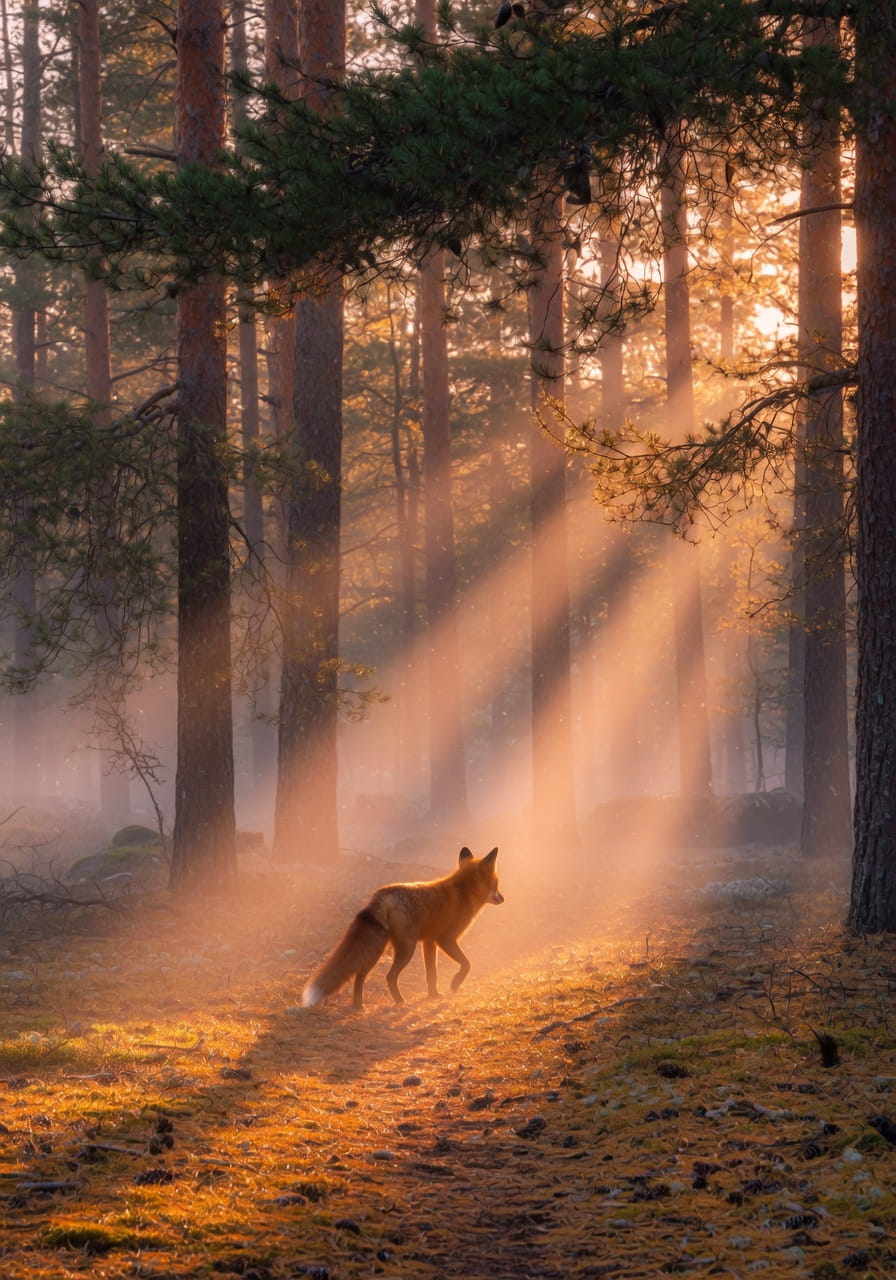
Amber Passage
ByPurz BeatsandComfyteam usingGrok Imagine
Neon Revenant
ByEric SolorioandComfyteam usingGrok Imagine
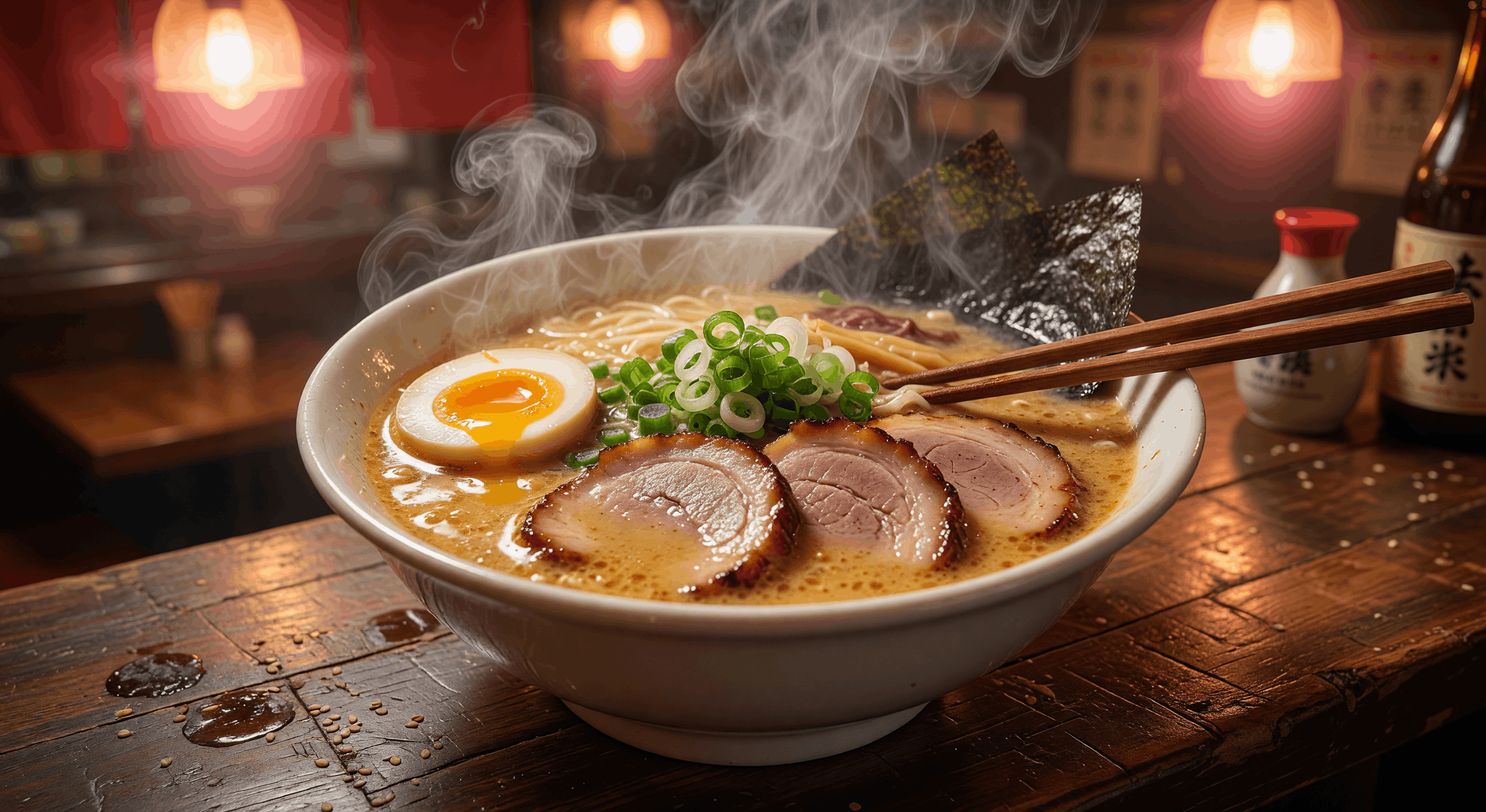
Midnight Umami
ByPurz BeatsandComfyteam usingGrok Imagine
HOW WORKS

 WORKS

Connect models, processing steps, and outputs on a canvas where every decision is visible and every step is inspectable.
Start from a community template or build from scratch.